Have you ever thought that a simple QR code might secretly protect your crypto wallet? It does exactly that by turning your blockchain private key into a clear, easy-to-read pattern.
No more wrestling with long, confusing strings of characters. Instead, you get a process that makes transactions smoother and more secure.
With straightforward steps and real-world insights, you’ll discover how this modern method marries strong security with everyday ease, giving you fast, reliable access to your digital investments.
How Blockchain Private Keys and QR Codes Enable Secure Crypto Access
A blockchain private key is like a secret code that proves you own your digital money. Think of it as your personal digital signature; without it, you can’t show that the assets in your crypto wallet are truly yours. It’s pretty much the master key to your own digital safe.
QR codes help by turning this long, tricky key into a simple, visual pattern made up of black and white squares. They even fix small errors if the code gets slightly damaged when stored or scanned. This means you don’t have to worry about typing in a long string of characters, which can be a hassle and lead to mistakes.
By using blockchain private keys with QR codes, managing your digital assets becomes both secure and speedy. Wallets like MetaMask, Trust Wallet, and Ledger Live can quickly scan these codes, making transactions and wallet recovery a breeze. It’s a neat way to cut down on errors and keep your investments safe, almost like swapping an old, tedious process for a smart, efficient shortcut.
Generating Your Blockchain Private Key QR Code: A Step-by-Step Guide
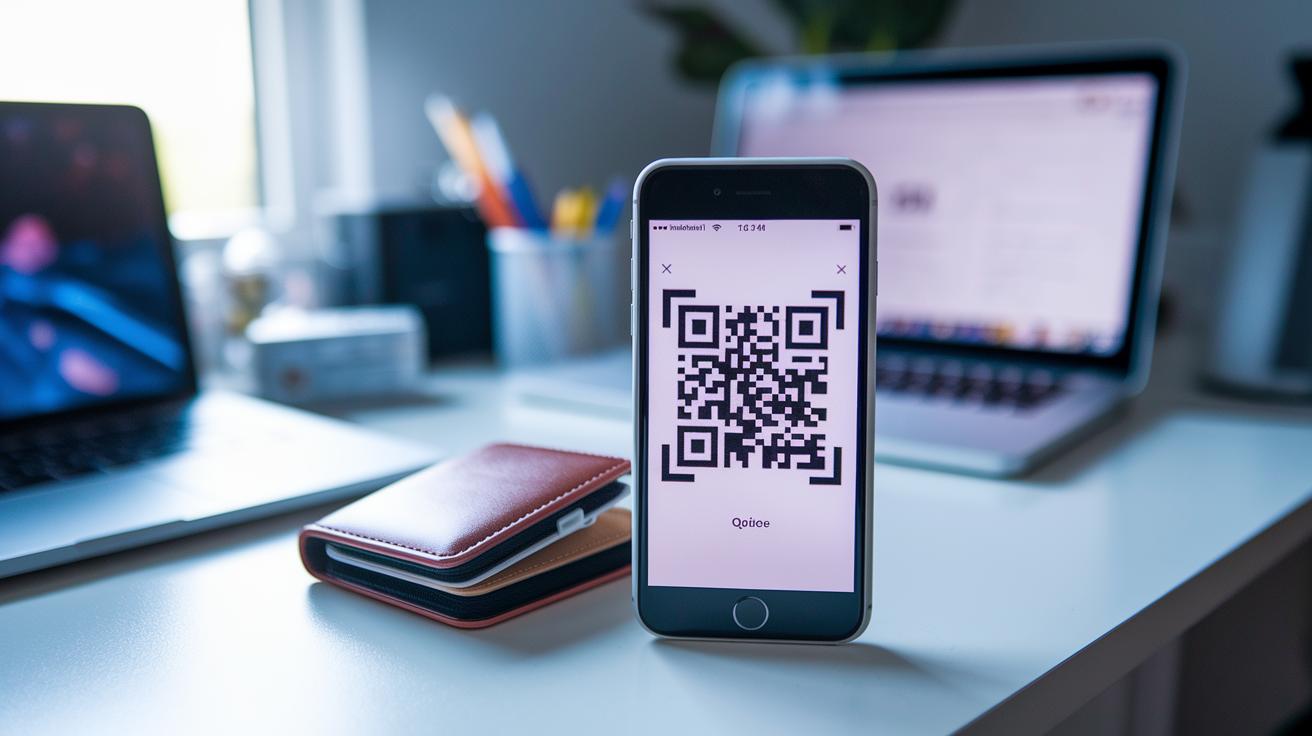
Turning your blockchain private key into a secure QR code might seem complex at first, but it’s really just a matter of following a few clear steps. This process takes your long, complicated key and turns it into an easy-to-scan image, reducing the risk of mistakes when you type it in later. Make sure you have your secure wallet ready, whether it’s hardware, software, or a mobile version, and use a device that isn't connected to the internet for this conversion.
Here’s how to do it:
-
Pick a trusted generator
Start by choosing a reliable online tool or software designed specifically for creating QR codes for crypto keys. Think of it as setting up a safe workspace before you begin any important task. -
Enter your private key offline
Take your confidential key and type it into a device that isn’t connected to the internet. This controlled approach helps keep your sensitive information safe from online threats. -
Set your error-correction options
Adjust the settings to choose from levels like L, M, Q, or H. This ensures that even if the QR code gets a little damaged, the essential data can still be recovered, just like having a safety net for small errors. -
Test the QR code with a scanner
After generating the code, use a separate QR reader to scan it. A quick test confirms that everything is in place and the data remains intact. -
Save the QR code image securely
Export the QR code as a digital image file. If you can, add encryption to the file. This saved image will serve as a backup that you can keep on your devices. -
Store your QR code safely
Finally, secure your QR code by keeping it in encrypted digital storage or by printing a copy and placing it in a fireproof safe. This extra step gives you peace of mind, knowing there’s a backup if anything happens.
Follow these steps and you’ll be well on your way to safely handling your blockchain transactions.
Best Practices for Secure Storage and Management of Private Key QR Codes
When you're protecting your printed QR codes, keeping them in a secure, offline space is non‑negotiable. Think of it like filing your most important papers in a locked file cabinet, only you hold the key. Store your QR codes in hardware or paper wallets that aren’t connected to the internet. This simple step makes unauthorized access a lot harder and keeps tampering at bay. Even a small slip-up with a printed copy can invite the kinds of issues seen in distributed ledger challenges, so it pays to be extra cautious about where they live.
Digital copies deserve just as much attention. Encrypt your files, and keep them in an offline vault or on an encrypted USB drive. This extra layer of protection means that even if someone gets hold of your device, they can’t easily decode your sensitive info without the right key. Think of encryption as an extra lock on your safe, it boosts your overall security. And don’t forget to use trusted software and keep your security measures up to date, so you’re always one step ahead of potential intruders.
It’s also smart to have a solid backup plan for your QR codes. Always keep a redundant copy stored somewhere separate, and if you can, have an encrypted digital version as well. Without a backup, losing or damaging a QR code could mean permanently losing access to your assets. By being proactive with backup measures, you ensure that even if one copy is compromised, you’ll always have a secure alternative ready to go.
Pros and Cons of Storing Private Keys as QR Codes
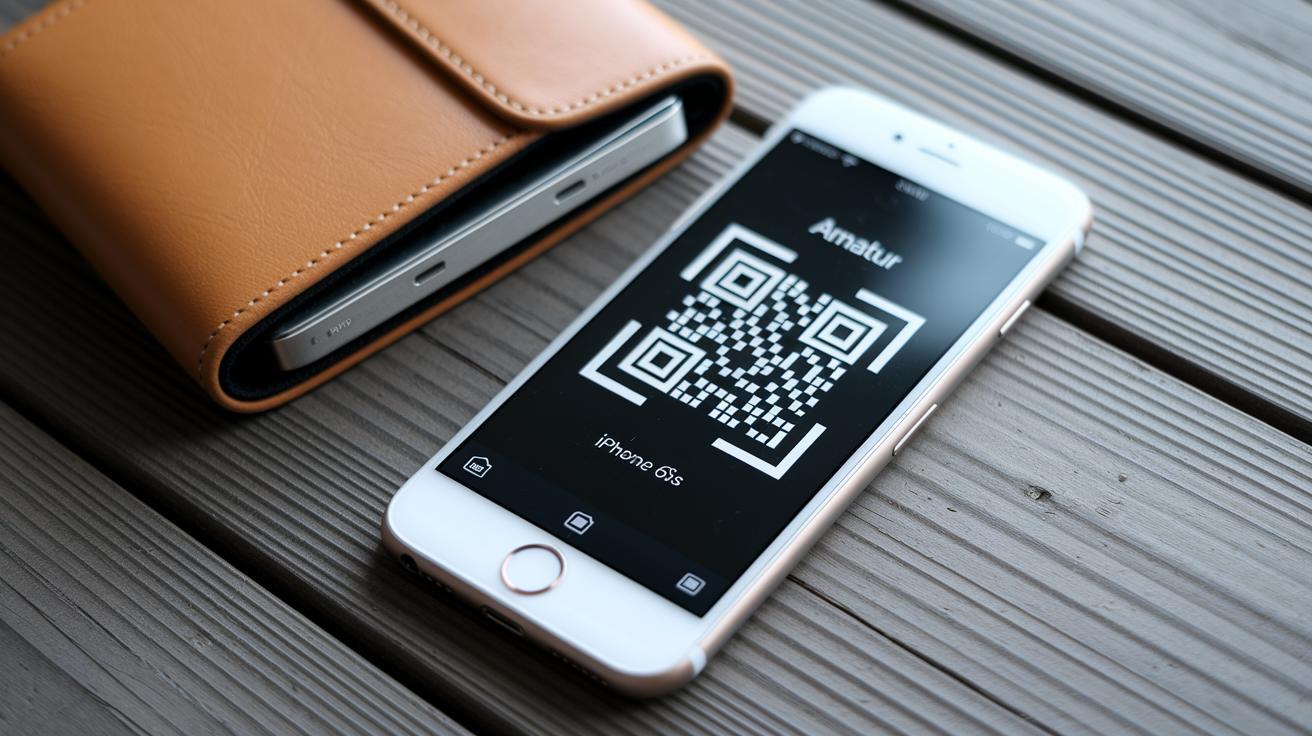
Using QR codes for your private keys can really cut down on mistakes. Instead of laboriously typing out a long string of characters, you just scan the code when you need to make a transaction. This visual shortcut speeds up wallet recovery exactly when every second counts.
But there are some risks to keep in mind. If someone gets hold of your exposed QR code, they could quickly steal your private key. Printed QR codes might fade or get damaged over time, and digital files can be vulnerable if they aren’t encrypted properly. Balancing the ease of a quick scan with robust security is essential for keeping your assets safe.
| Advantages | Disadvantages |
|---|---|
| Error Reduction: Fewer manual mistakes when entering data | Exposure Risk: Attackers can quickly scan an exposed QR code |
| Quick Access: Fast wallet recovery and transaction signing | Durability Concerns: Printed codes may deteriorate and digital files need proper encryption |
Importing and Scanning Blockchain Private Key QR Codes in Wallets
QR codes turn complex blockchain private keys into simple images that your wallet can quickly read. This visual hack helps avoid typing errors, speeds up your transactions, and makes recovering your key a breeze. Whether you're using a hardware or a mobile wallet, scanning your key gives you a fast and safe way to access and manage your assets.
Supported Wallets and Applications
- Ledger Live: A top hardware wallet that lets you quickly scan and import keys.
- Trezor Suite: Another solid hardware wallet featuring a secure QR code scanner for key recovery.
- MetaMask: A well-known wallet available on mobile and desktop that simplifies key entry with QR codes.
- Trust Wallet: A mobile wallet with built-in scanning, so you can easily import QR-encoded private keys.
- Other applications: Various Bitcoin QR scanner apps and digital wallet key scanners offer similar features for speedy transaction signing and wallet recovery.
Scanning and Import Process
- Open your wallet app and look for the key import option. You should see something like "Scan QR Code."
- Choose to use your device's camera or upload a saved QR image. Some apps support native camera scanning, while others let you pick a file you've already saved.
- Hold your device steady while the camera focuses on the QR code. Make sure the code is clearly visible so the app can capture every detail.
- After scanning, check that the imported key matches your records. This extra step helps catch any mistakes.
- Finally, confirm the import so your wallet can use the key for signing transactions or recovery. This makes future transactions quick, smooth, and secure.
Next, you'll enjoy an easy transition from a physical QR code to a digital key, keeping your wallet secure without the hassle of manual entry.
Integrating QR Code Access with Hardware Wallets and Offline Cold Storage
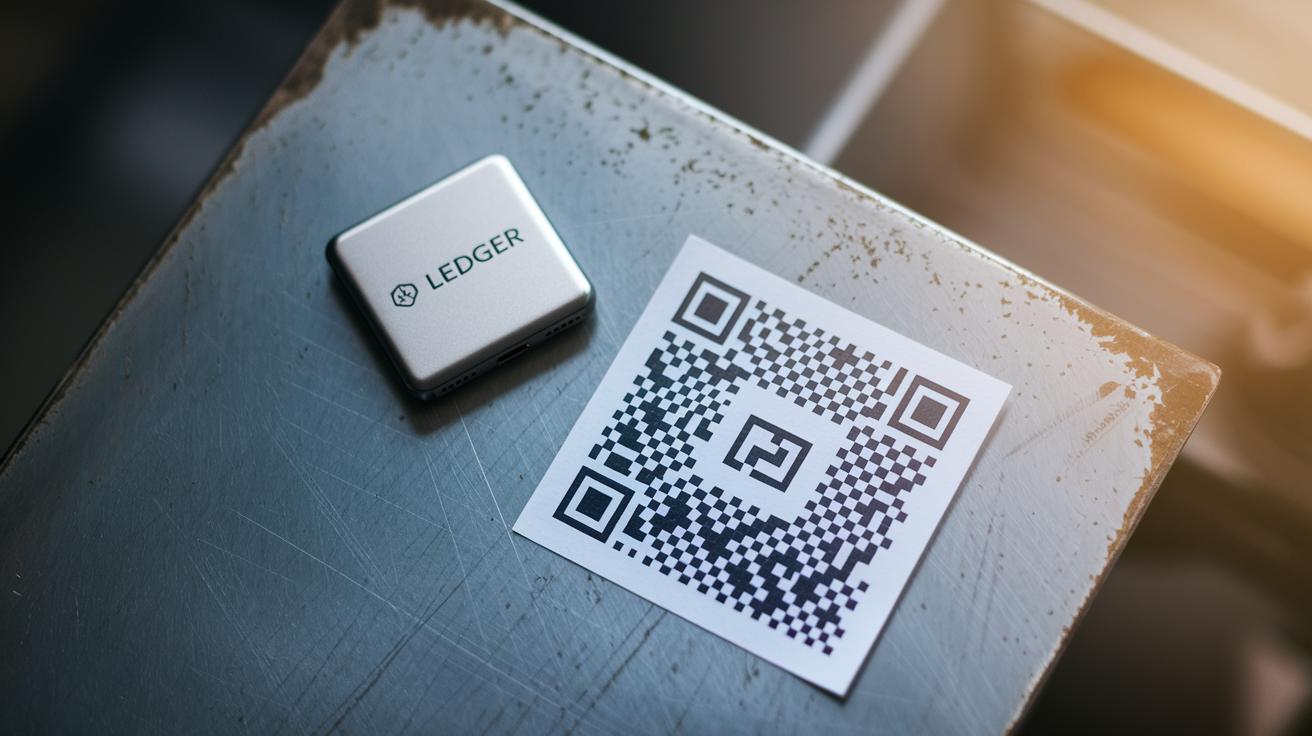
If you're keen on keeping your crypto funds secure, pairing QR codes with your hardware wallet is a smart strategy. Devices like Ledger Nano X, Trezor Model T, and MyEtherWallet let you scan QR codes using built-in cameras or companion apps that work offline. Remember, a properly set-up hardware wallet acts as a strong gatekeeper for your digital assets.
Creating QR codes on a device that's not connected to the internet adds an extra layer of safety. You generate the QR image in a controlled, offline setting and then scan it directly with your hardware wallet. This process helps ensure that your sensitive keys stay off the internet and minimizes mistakes when transferring them.
And don't forget about the physical side of things. Printed QR codes need to be tough, too. Many users secure them on steel plates or in crypto-safe containers that protect against fire, water, and corrosion. Adding a PIN-protected layer to your printed QR code offers another level of defense, making it even harder for unauthorized access to your funds.
Final Words
In the action, we broke down how converting long private keys into a blockchain private key qr code simplifies secure crypto access. We examined the basics of private keys, the visual encoding by QR codes, and the essential steps for generating a reliable code.
We also highlighted key storage measures, both digital and physical, to protect your assets. This guide shows that proper QR code use makes asset management smoother and more secure, a smart move for those aiming for lasting investment success.
FAQ
How do I generate a blockchain private key QR code for free?
Generating a blockchain private key QR code for free means using trusted online generators that transform your key into a scannable image. Using these tools offline helps keep your key secure.
Is it possible to hack a blockchain private key QR code?
The idea of hacking a blockchain private key QR code refers to breaching a secure key. A well-generated and offline-converted key remains nearly impossible to hack when proper security measures are followed.
Can an address be converted into a private key?
Converting an address to a private key is not feasible because addresses are derived from the private key; only the original private key provides direct access to your digital assets.
How do I get my blockchain private key and QR code?
Your blockchain private key is generated when you create a wallet, and you can convert it into a QR code using secure conversion tools to simplify transactions and reduce manual entry errors.
How can I verify and manage my private key string securely?
Verifying a private key string involves using a reliable key checker tool, and managing it securely means storing your key in encrypted wallets or secure offline backups to protect your assets.